How to Write a Better AI Video Prompt
A practical prompt structure for clearer motion, composition, lighting, and pacing.
A strong video prompt gives the model a clear visual target without trying to direct every pixel. Start with the subject and action, then add the camera, setting, light, and pacing.
Use a simple prompt structure
Try writing your prompt in this order:
- Subject — who or what is in the shot
- Action — the movement that should happen
- Setting — where the scene takes place
- Camera — framing, lens feel, and camera movement
- Light and color — mood, time of day, and palette
- Pacing — calm, energetic, continuous, or cut-driven
For example:
A ceramic perfume bottle rotates slowly on a pale green plinth in a bright studio. Medium close-up, gentle push-in, soft morning light, crisp glass reflections, premium product-film pacing.
Describe motion explicitly
Words such as “cinematic” or “beautiful” describe a feeling, but they do not say what should move. Add concrete verbs: the camera arcs, fabric drifts, light sweeps across the surface, or the subject turns toward the window.
Keep one main idea per generation
If a prompt asks for several locations, characters, and camera moves at once, the result has more opportunities to drift. Generate one coherent shot first, then make a second variation with a controlled change.
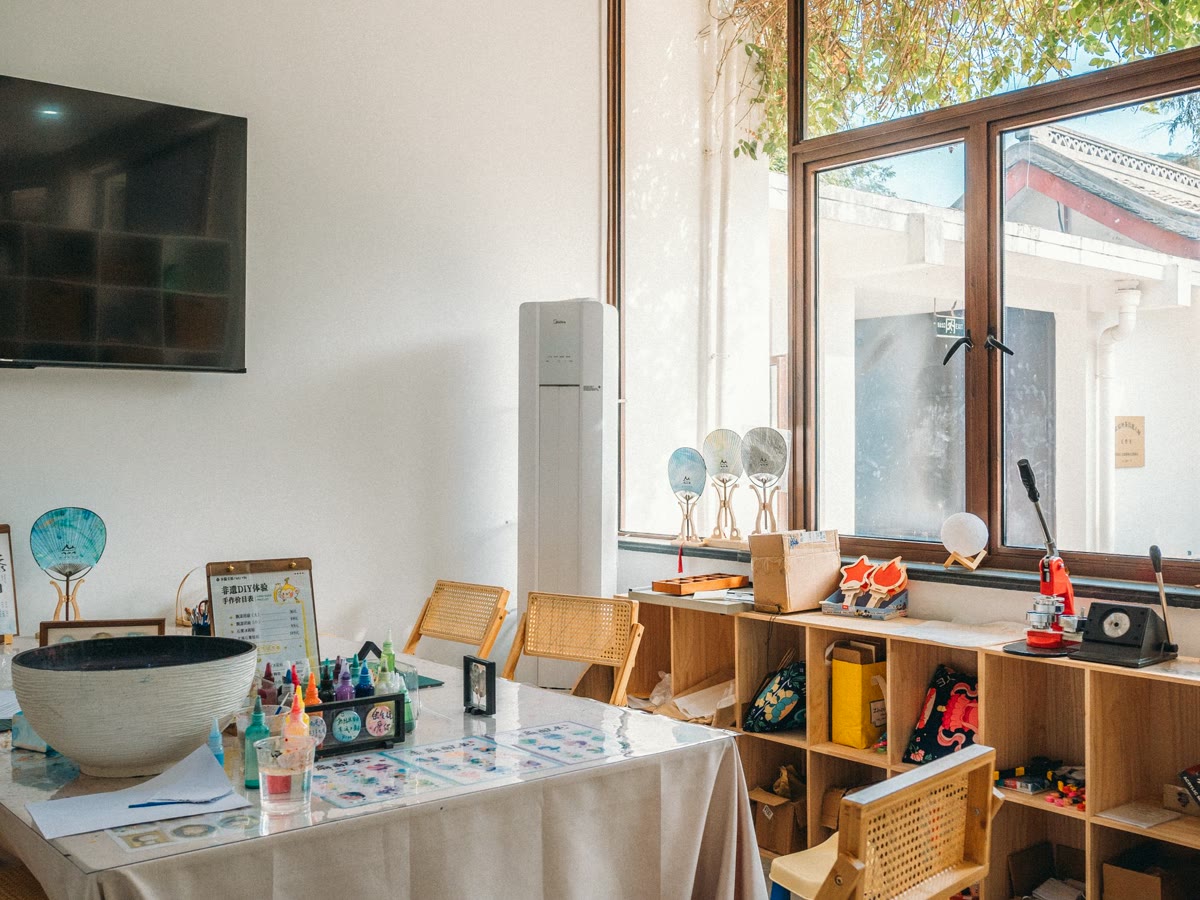
Use a reference image when composition matters
An image can anchor the subject, palette, and framing. Your text should then focus on motion and camera direction instead of restating every visible detail. Only upload material you have permission to use, and avoid sensitive or confidential images.
Prompt design is iterative. Keep the parts that worked, change one variable at a time, and compare the results in your OmniVideo workspace.